

Introduction
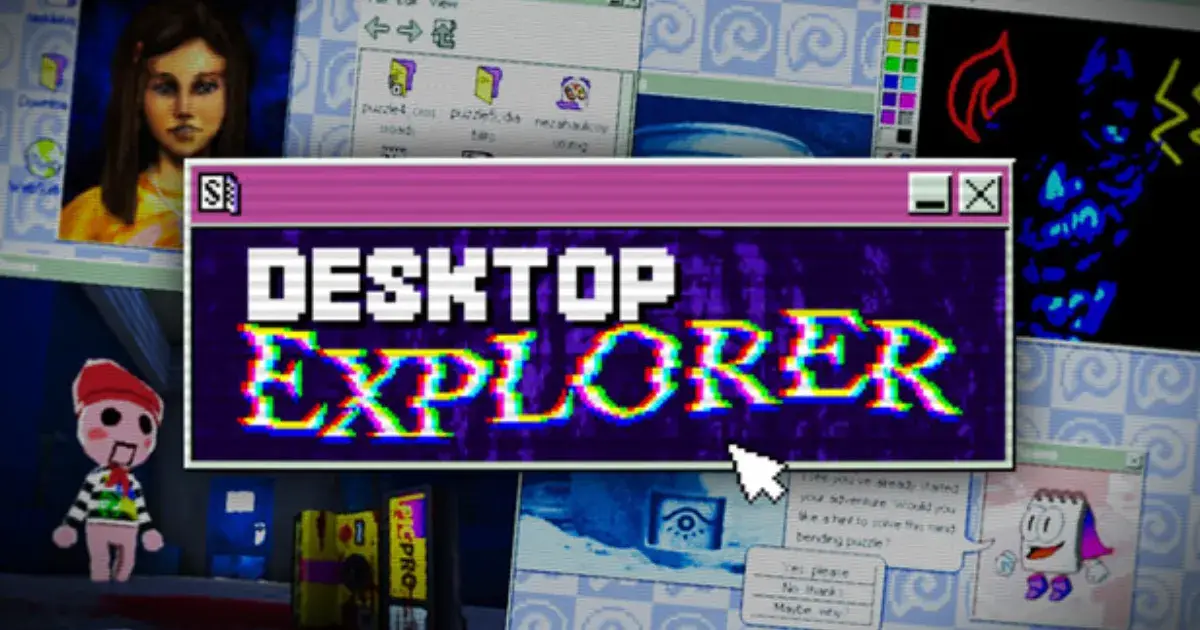
Nostalgia takes a sinister turn in Desktop Explorer, an upcoming indie point-and-click mystery that turns a retro 1990s computer interface into a playground of psychological horror. Developed by Recurring Dream and co-funded by Outersloth (the indie fund by the creators of Slay the Spire), this title drops you into a meticulously crafted fake operating system.
Instead of relying on cheap jump scares, the game builds an atmosphere of creeping dread as you dig through the abandoned profiles, forgotten files, and cryptic software of a dusty old PC you inherited from a mysterious uncle. Set to launch on PC and Mac via Steam on July 17, 2026, it promises to be one of the most uniquely unsettling puzzle games of the year.
Game Overview
- Developer: Recurring Dream
- Publisher: Recurring Dream, Outersloth, indienova
- Genre: Adventure, Indie, Simulation, Psychological Horror, Point & Click Puzzle
- Platform: PC, Mac (Steam)
- Release Date: July 17, 2026
Gameplay
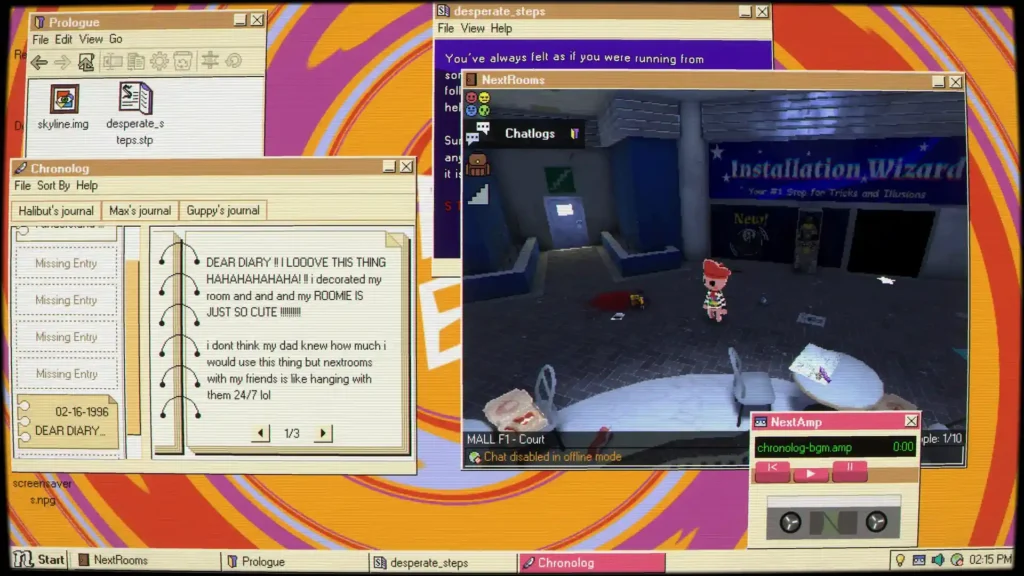
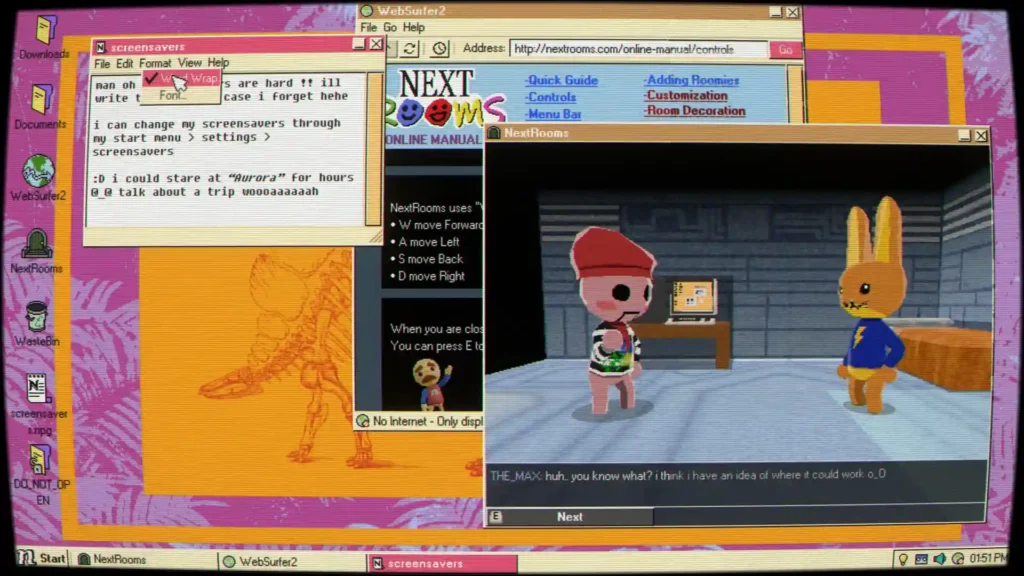
In Desktop Explorer, the entire game takes place on a simulated computer screen. You inherit an old PC from your uncle, only to find a letter inside tasking you with investigating a missing person’s case linked to a strange program installed on the machine. To progress, you must treat the game like an actual computer from the mid-90s.
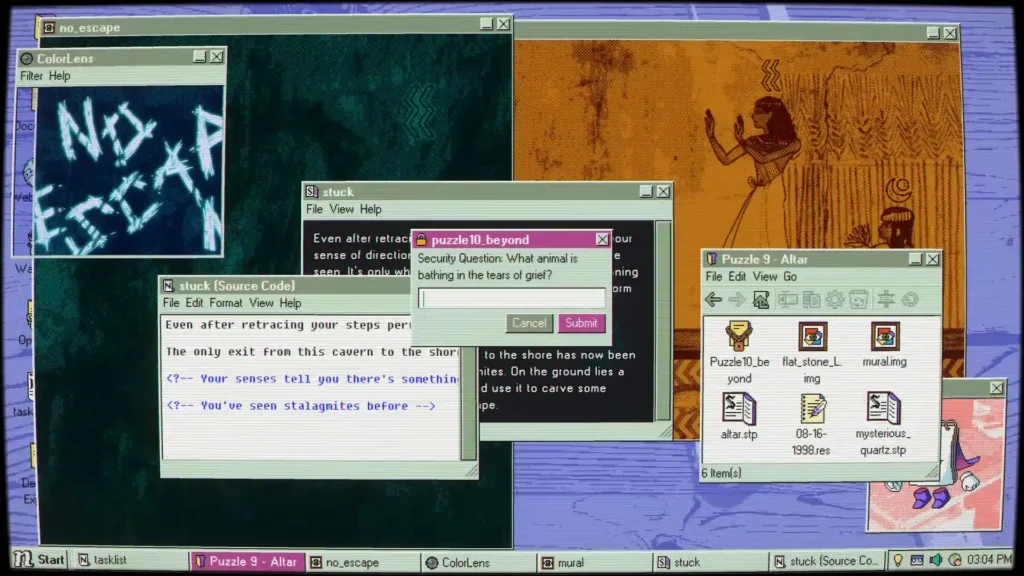
You will rummage through file directories, read through old chat logs, inspect detailed ASCII art, and figure out how to open bizarre, corrupted file formats. The puzzles require you to be playful and creative with the classic OS tools provided to you. It is a deeply voyeuristic experience, asking you to piece together fragmented memories and track the digital footprints of the computer’s previous users to find out what happened to them.
Read More: Cat Chess Download Full Game PC Version
Features
- Immersive Retro OS: A fully functional, atmospheric 90s-style operating system where you can actually write and save your own files, open large quantities of images, and manipulate the environment.
- OS-Driven Puzzles: Progress by creatively using built-in software, file explorers, and corrupted applications to uncover hidden directories and passwords.
- Atmospheric Psychological Horror: Focuses on an eerie, unsettling mystery rather than gory elements or cheap jump scares.
- Pre-installed “Games”: The fake OS features classic, pre-installed computer games that hide much deeper, darker secrets.
- Evocative Audio Design: Features an original soundtrack paired perfectly with nostalgic, chunky computer sounds like clicking hard drives and dial-up tones.
Game Analysis
Desktop Explorer was created to explore how computers preserve human memories, behavior, and secrets. Co-founder Jose Carlos noted that they wanted the mystery to feel deeply personal and intimate. Backed by Outersloth, the game boasts a roughly 8 to 10-hour playtime and has already garnered over 100,000 wishlists ahead of its July 2026 launch.
The widely praised Steam Next Fest demo highlighted the game’s excellent accessibility options, including custom volume controls, stereo sound, and the ability to play entirely at your own pace without any timed quick-time events (QTEs).
Pros
- Incredibly creative puzzle design that forces you to think outside the box using actual computer logic.
- Nails the mid-90s tech aesthetic perfectly, from the visual design to the authentic soundscapes.
- Relies on a genuinely gripping, slow-burn psychological mystery rather than cheap horror tropes.
- Excellent accessibility options and untimed gameplay allow for a relaxed, analytical playthrough.
Cons
- Players who dislike reading text logs or digging through menus may find the gameplay loop tedious.
- As it takes place entirely on a simulated desktop screen, the visual variety is naturally limited to the bounds of the fake OS.
System Requirements
Minimum (PC)
- OS: Windows 7 SP1+ (or later) / Windows 10
- Processor: Intel or AMD Dual Core at 2 GHz or better
- Memory: 2 GB RAM
- Graphics: Intel Graphics 4400 or better
- DirectX: Version 11
- Storage: 800 MB available space
Minimum (Mac)
- OS: macOS 10.12+
- Processor: Intel or AMD Dual Core at 2 GHz or better (Apple Silicon supported)
- Memory: 2 GB RAM
- Graphics: Intel Graphics 4400 or better
- Storage: 800 MB available space
Similar Games
- Mainlining
- Her Story
- Hypnospace Outlaw
- Welcome to the Game
- Kimi ga Shine (Your Turn To Die)
- Emily is Away
How to Download this Game
Downloading your game is quick and easy. Please follow these instructions:
- Click the Download button to get the ZIP file.
- If the ZIP file starts downloading normally, wait for the download to finish.
- If you receive any error (such as a temporary download error, network issue, or file unavailable message), don’t worry. Wait a few minutes and try downloading the file again.
- The ZIP file should become available after a short time.
- Once the download is complete, extract the ZIP file using WinRAR, 7-Zip, or the built-in Windows extractor.
- Open the extracted folder and follow the included instructions to install and play the game.
Note: Temporary download errors may occur due to server traffic or network issues. Simply wait a few minutes and try again if you encounter any problem.
FAQs
Q1: Are there jumpscares in Desktop Explorer?
A: The developers have explicitly stated that the game focuses on eerie, psychological horror, fragmented memories, and an unsettling atmosphere rather than jump scares or gore.
Q2: How long does it take to beat the game?
A: According to the developer, the full game takes roughly 8 to 10 hours to complete.
Q3: Is the game time-sensitive or stressful?
A: No, Desktop Explorer can be played entirely at your own pace. There are no Quick Time Events (QTEs) or timed inputs required, allowing you to focus purely on the puzzles and the narrative.
Q4: Can I play this on a Mac?
A: Yes, the game fully supports macOS 10.12 and later, including compatibility with Apple Silicon processors.
Q5: Is there a demo available?
A: Yes, a highly rated demo is currently available on the game’s Steam store page if you want to try out the OS mechanics before the full launch.
Should You Play It?
If you have a fondness for the clunky charm of 90s operating systems, or if you love the voyeuristic puzzle-solving found in games like Hypnospace Outlaw or Her Story, Desktop Explorer is an absolute must-play. It offers a masterclass in atmospheric storytelling, turning mundane tasks like organizing files and reading chat logs into a gripping, supernatural detective experience. However, if you prefer fast-paced action or visually explosive environments, the slow, methodical, text-heavy nature of this desktop simulator will not be for you.
Conclusion
Desktop Explorer is shaping up to be a brilliant execution of the “desktop simulator” genre. By blending nostalgic UI elements with a deeply unsettling narrative, Recurring Dream has created an experience where every folder you open and every corrupted file you execute feels like you are trespassing on a digital grave. Launching on July 17, 2026, it is poised to be a standout title for fans of thoughtful, slow-burn psychological horror.