

About This Game
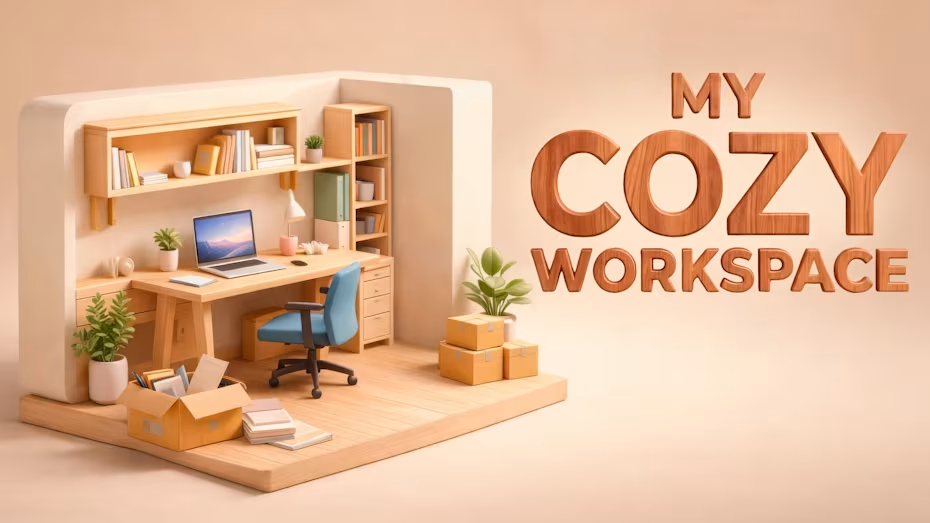
Create the workspace of your dreams in My Cozy Workspace, a relaxing simulator where creativity, comfort, and productivity come together. You can design and customize rooms by placing furniture, organizing accessories, decorating shelves, and building a cozy atmosphere that feels uniquely yours. Transform small empty spaces into inspiring work areas, whether you prefer a minimalist office, a colorful creative studio, or a warm workspace corner.
Key Features
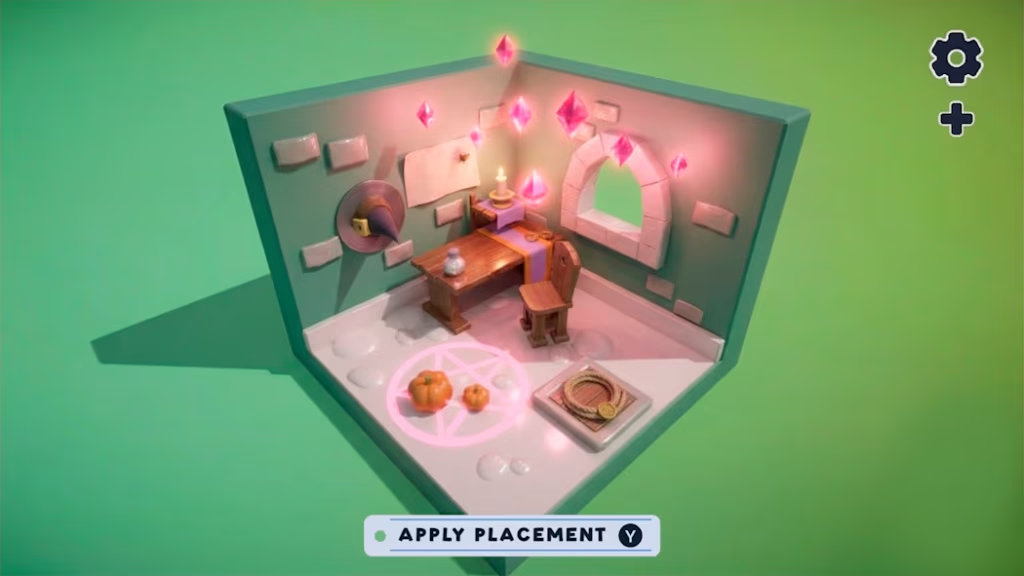
- Relaxing simulation gameplay focused entirely on creativity, comfort, and aesthetic design.
- Extensive customization options for designing unique and personalized workspaces.
- Ability to arrange desks, plants, books, lights, and dozens of decorative items.
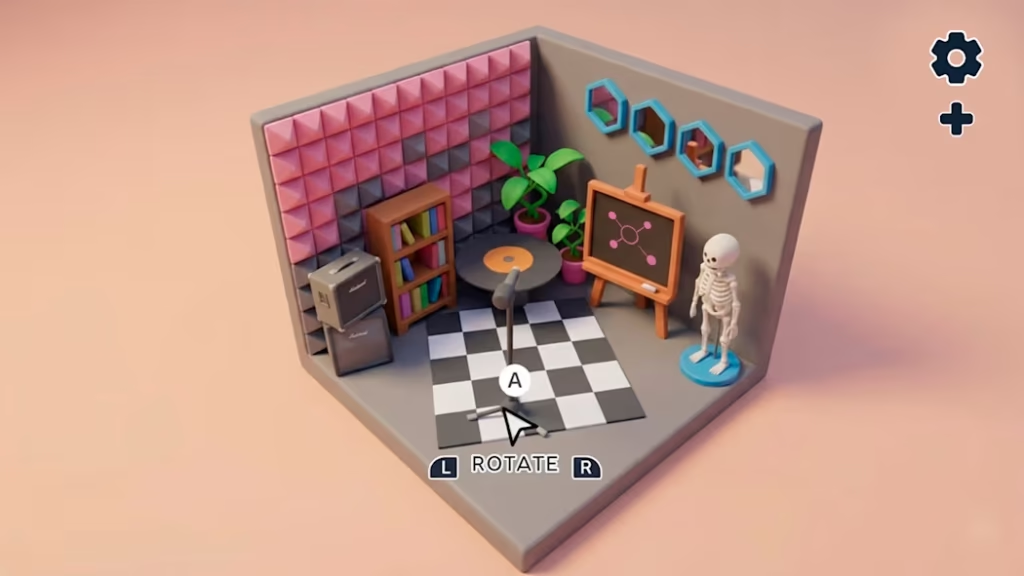
- Freedom to create various styles, including minimalist offices or colorful creative studios.
- A calm and satisfying experience with no time limits, encouraging endless experimentation with room layouts.
Gameplay Experience
My Cozy Workspace provides a calm and satisfying experience focused heavily on creativity and relaxation. Players are encouraged to take their time and experiment with different layouts without the pressure of strict objectives, timers, or fail states. The core gameplay loop revolves around selecting and arranging various furniture pieces, lighting options, and decorative items to transform empty spaces into personalized, inspiring environments.
Read Also: Voxelgram 2 Switch NSP [Update]
My Cozy Workspace Switch Info:
- Title: My Cozy Workspace
- Developer/Publisher: Play Lab
- Genre: Simulation, Adventure, Arcade
- Platform: Nintendo Switch
- Release Date: July 9, 2026
- Players: 1 (Single Player)
- Age Rating: Everyone (ESRB)
- Price: $12.99
- Game Size: 450 MB
Game Analysis
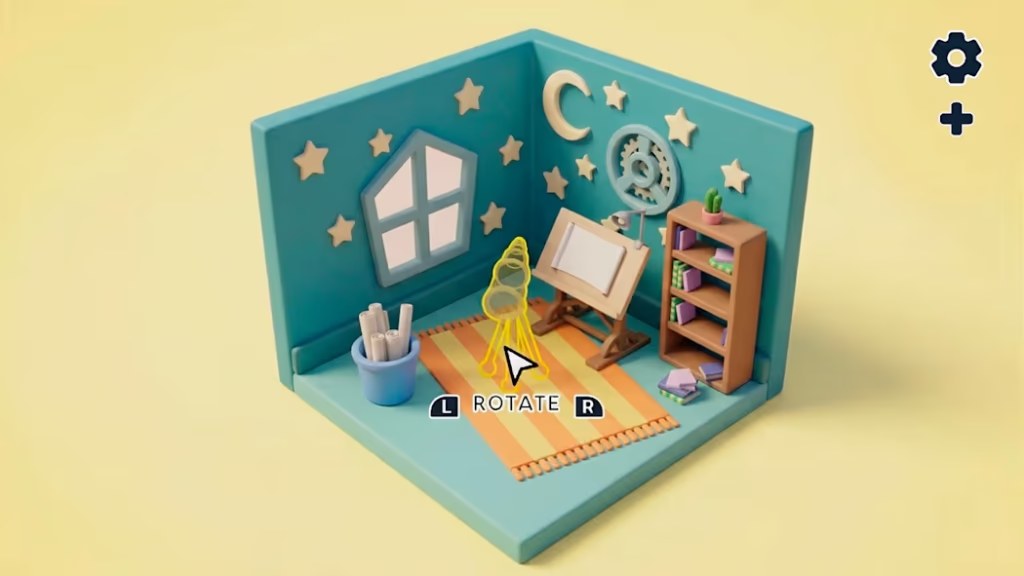
My Cozy Workspace enters the Nintendo Switch library as a focused, stress-free simulation title tailored specifically for players seeking a relaxing creative outlet. By removing traditional win states and time limits, the game places all its mechanical weight on self-expression and spatial design. The varied catalog of items, from plants to lighting fixtures, provides sufficient tools for players to execute specific interior design visions without the friction of complex management systems.
Pros and Cons
Pros
- Provides a highly relaxing, stress-free digital environment focused entirely on player creativity.
- Offers a wide variety of furniture and decorative items to suit multiple design aesthetics and moods.
- The open-ended nature of the game allows for endless experimentation with room layouts and organization.
Cons
- The lack of structured goals or challenges may not appeal to players looking for objective-based gameplay or progression systems.
- The gameplay loop is strictly restricted to room decoration, which might become repetitive for those seeking mechanical variety.
- It is entirely a single-player experience with no collaborative design or online sharing features listed.
Why You Should Play It
You should play My Cozy Workspace if you enjoy interior design and are looking for a calming, low-stakes simulation experience on the Nintendo Switch. It serves as a digital sandbox for creativity, allowing you to build the ideal office or studio you have always wanted without the physical constraints or costs of real-world interior decorating. It is an excellent choice for unwinding after a long day and focusing on aesthetics and organization.
Read More: Rooster: Princess Rescue Switch NSP (eShop)
How to Download and Install
Downloading your game is quick and easy. Please follow these instructions:
1.Download the ZIP file:
Click the Download button to get the ZIP file.
2.Wait for completion:
If the ZIP file starts downloading normally, wait for the download to finish.
3.Handle potential download errors:
If you receive any error (such as a temporary download error, network issue, or file unavailable message), don’t worry. Wait a few minutes and try downloading the file again. The ZIP file should become available after a short time.
4.Extract the game folder:
Once the download is complete, extract the ZIP file using WinRAR, 7-Zip, or the built-in Windows extractor.
5.Install and launch the application:
Open the extracted folder and follow the included instructions to install and play the game.
FAQs
Q: What is the release date for My Cozy Workspace?
A: The game is scheduled to release on the Nintendo eShop on July 9, 2026.
Q: Which platforms is the game officially available on?
A: The game is officially available on the Nintendo Switch.
Q: Who is the developer and publisher of this title?
A: My Cozy Workspace was developed and published by Play Lab.
Q: What genre of game is this considered?
A: It is officially categorized as a simulation, adventure, and arcade game.
Q: Can I play this game with friends or family?
A: No, My Cozy Workspace is strictly a single-player experience designed for one person.
Q: What is the age rating for the game?
A: The game is rated E for Everyone by the ESRB.
Q: Are there different styles of rooms I can create in the game?
A: Yes, you can design a wide variety of spaces, from a minimalist office to a colorful creative studio, using the included items.
Q: Does the game feature any time limits or strict objectives?
A: No, it is a relaxing simulator that encourages taking your time and experimenting with layouts without pressure.